
Access test cases
Step-by-step instructions on how to access test cases.
To access all available test cases, click  Test cases button on the left-hand side navigation pane. All available test cases are displayed together with some of their details, such as code, test targets, type of test (
 manual /
  automated) and so on.
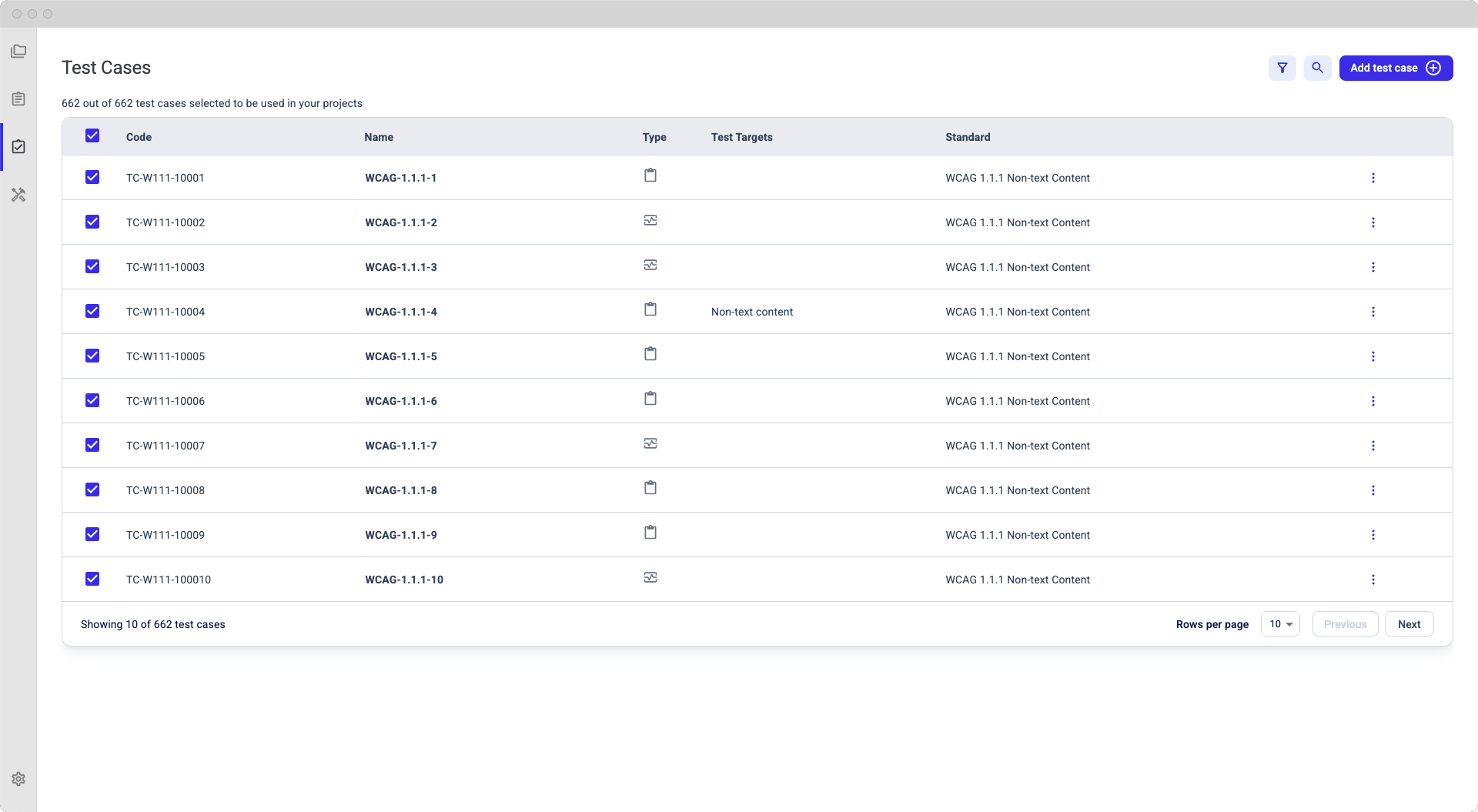
To select the tests list view by type, click the  Filter by button and then select the desired filtering condition:
- Type
- Target
- Criterion
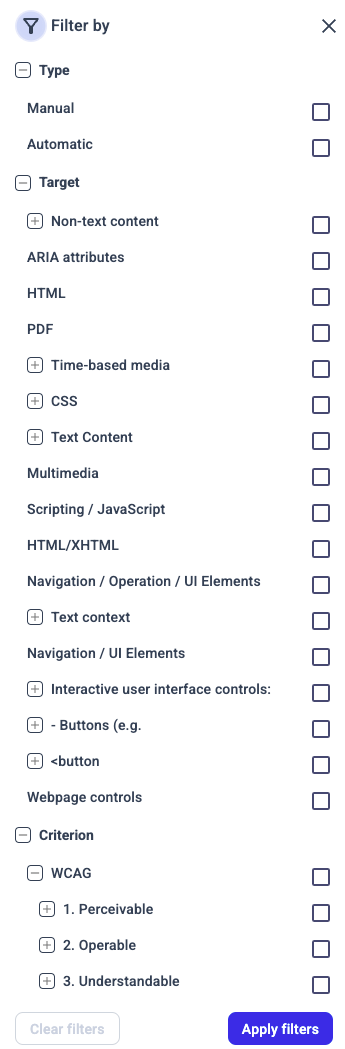
Once you apply the desired filters on the list of test cases, you can (re)run the test with the selected test cases.
You can also sort the list ascending / descending by clicking the table header, as needed. Here you can see how the list is sorted descending, by test targets:
