Delete an audit
Step-by-step instructions on how to delete an audit.
To delete an audit:
- On the left-hand side navigation pane, click
 Audits.
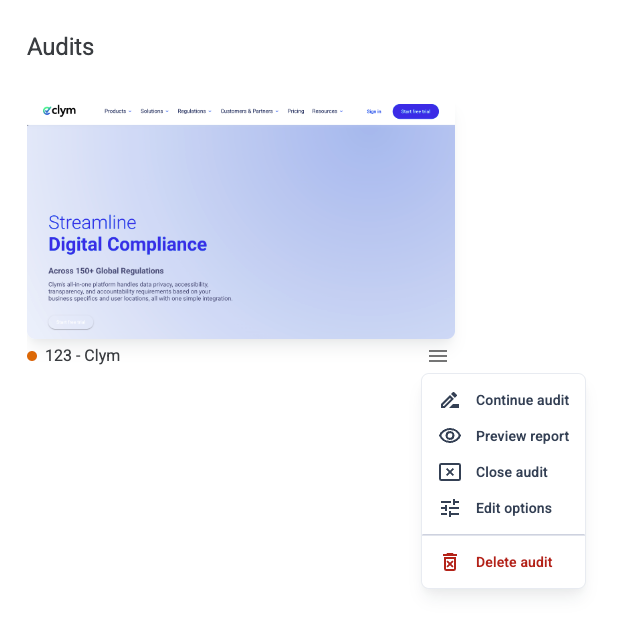
 - Identify and select the audit that you want to delete.
- Click the
 Settings button next to the desired audit.
 - On the shortcut menu, click Delete audit.
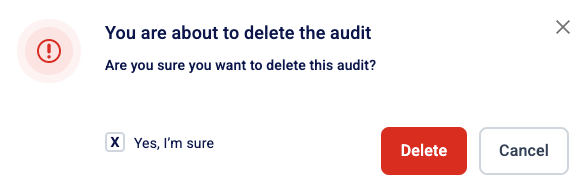
- In the Delete audit screen, tick the "Yes, I'm sure" box, then click Delete.