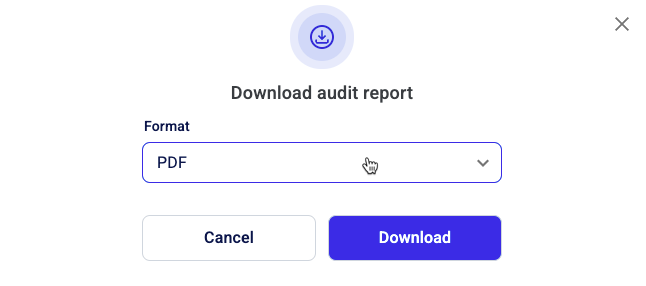
Download an audit report
Step-by-step instructions about how to download an audit report.
The audit report is available for you to download in two specific formats: as an in-progress audit and a as a completed one.
In the case of an in-progress audit, you can preview a PDF, HTML, or JSON version of the audit report as it is available at that point in time. The completed audit is the final version of the report.
To download an in-progress audit report:
- On the left-hand side navigation pane, go to
 Audits and find the specific audit for which you want to see the report.
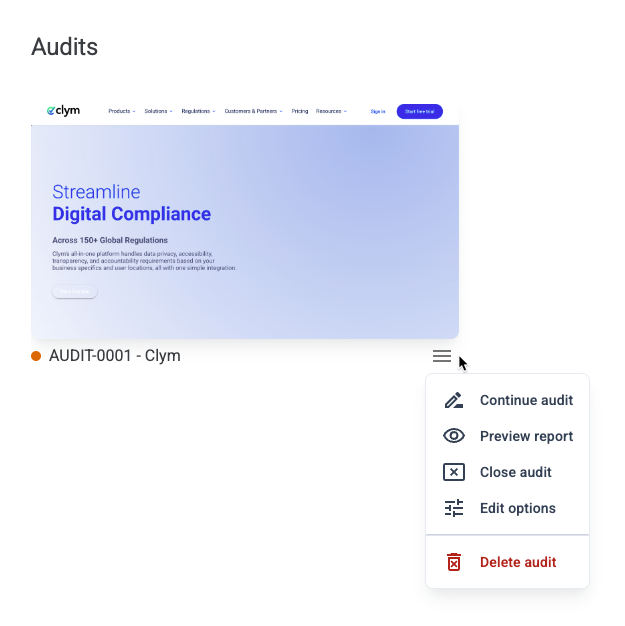
 - If the audit is still in progress (represented by an orange dot next to the audit name), click the
 Settings button and select Preview report.
- Select the format for the report (PDF, HTML, JSON) from the dropdown list and click Download.
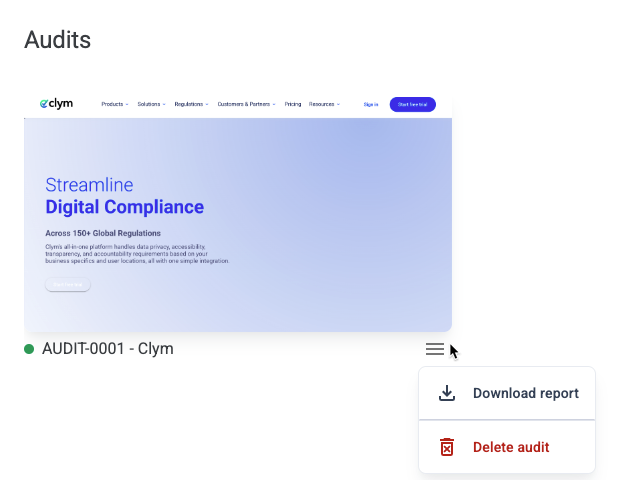
To download a complete audit report:
- From the Settings menu, click the Download report button.
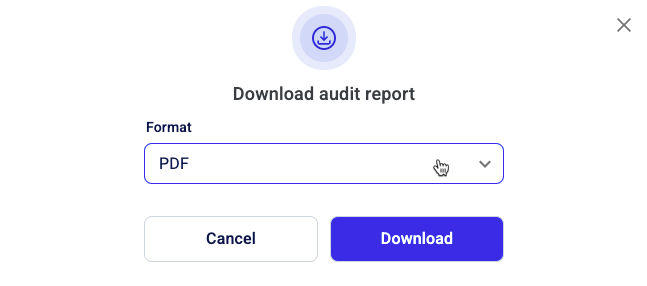
- Select the format of the report from the dropdown list and click Download.