
Delete a project
Step-by-step guide on how to delete a existing project.
To delete a project:
- Click
 Projects on the left-hand side navigation pane.
 - Click the
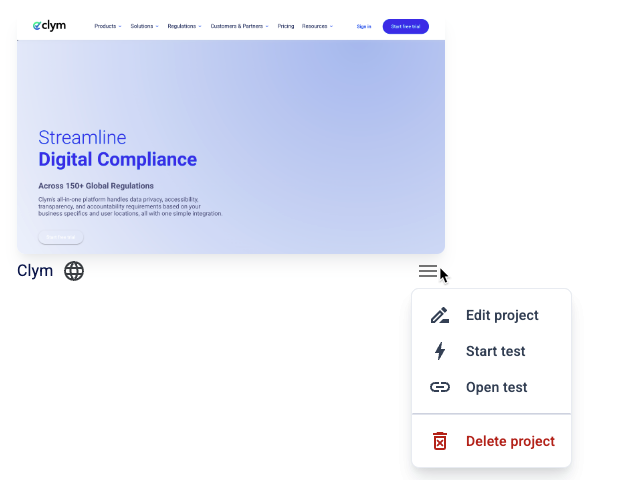
 Settings button next to the desired project. On the shortcut menu, click Delete project.
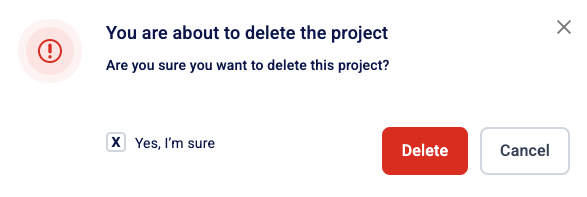
- In the confirmation message, select the Yes, I’m sure checkbox and then click Delete.
- Deleting a project also completely erases all tests run under the project, so proceed with caution.
- Deleted projects cannot be restored.