
Modify a project
Step-by-step guide on how to edit an existing project.
To modify a project:
- Click
 Projects on the left-hand side navigation pane.
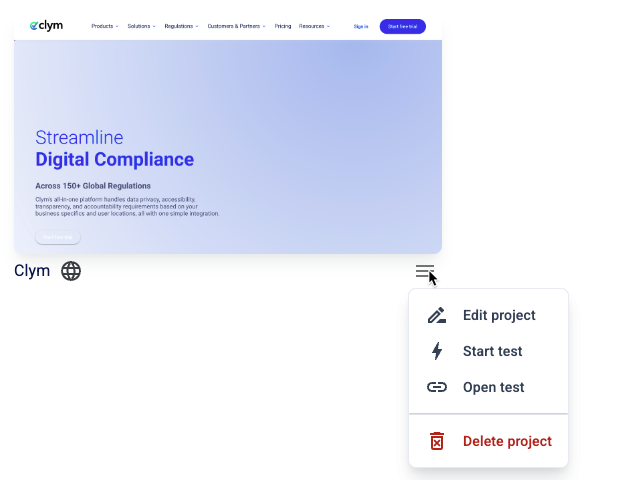
 - Click the
 Settings button next to the desired project. On the shortcut menu, click Edit project.
- Modify the project, as desired. For more information, see Create a project.
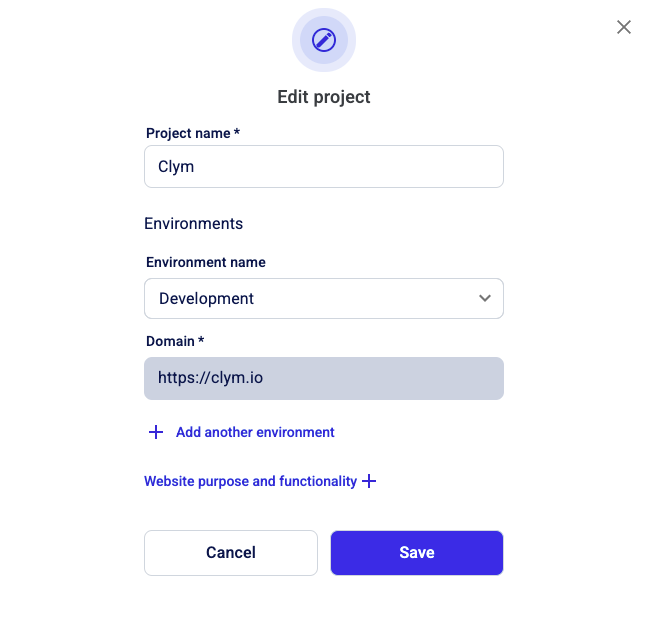
- When finished, click Save.