
Delete a remediation
You can easily remove a user-created remediation. You cannot remove a built-in, standard remediation.
To delete a remediation:
- On the left-hand side navigation pane, click
 Remediations.
 - Identify and select the Remediation you want to delete.
- Click the
 Settings button on the right-hand side of the table.
 - On the shortcut menu, click Delete remediation.

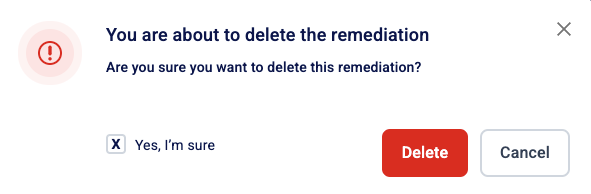
- In the confirmation message, tick the “Yes, I’m sure” box and click Delete.
- You can only delete user-created remediations, not standard, built-in remediations.
- If you have not created custom remediations, the Delete button will not be available in the settings menu