Export suggested remediations
Just like test cases inside a project, you can export suggested remediations to CSV format.
In the Remediations tab of your project, click the  button on the right-hand side to save the list of remediations in a CSV file to your local machine. Select the file destination and click Save.
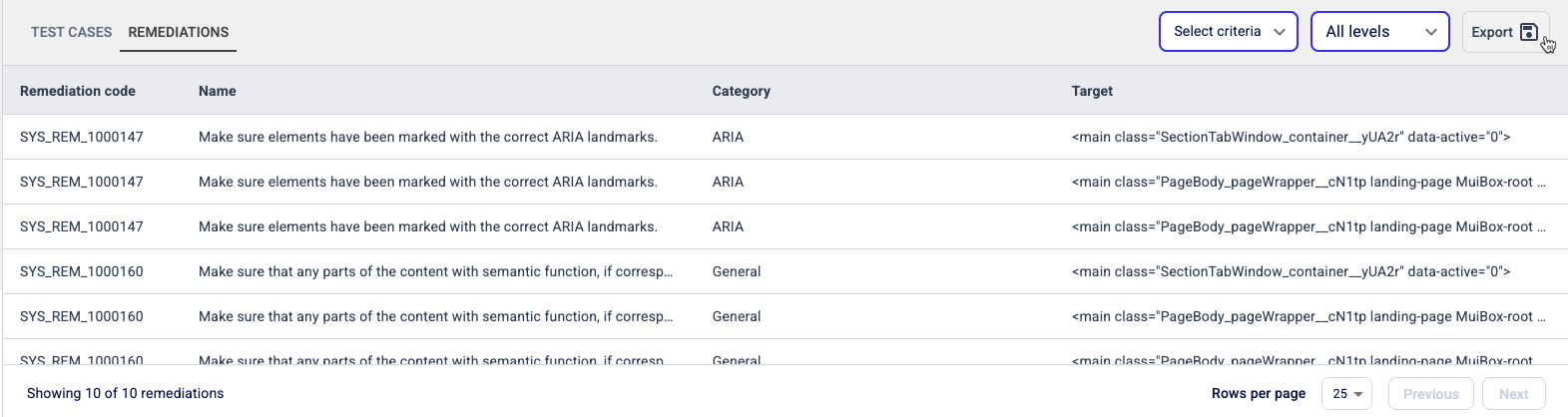
The CSV report contains all the remediations present on your screen, in a spreasheet and with the following details:
- Remediation code
- Remediation name
- Remediation description / instructions / steps
- Remediation category
- Target HTML
- Target selector
- Test code
- Test notes
- Test case code
- Test case name
- Test case description / instructions / steps
- Test case type
- Test case criterion
- Test case level
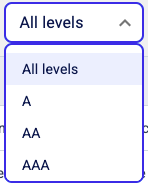
If you need to filter them out before exporting, you can use the two buttons on the top right corner of the Remediations screen and select:
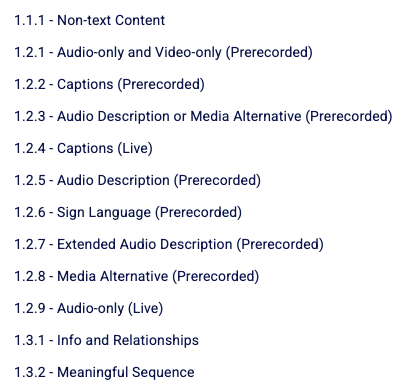
- The criteria:
- The level of the remediations: